Import from Zotero
Bring your Zotero library into Papiers with the highlights and notes you’ve already made.
Your Zotero library stays unchanged.
Import your library
Quit Zotero, then choose Import from Zotero in Papiers.
Papiers finds the Zotero library on your computer and previews its papers, highlights, and attached notes. Import everything, or choose the collections and papers you want to bring over.
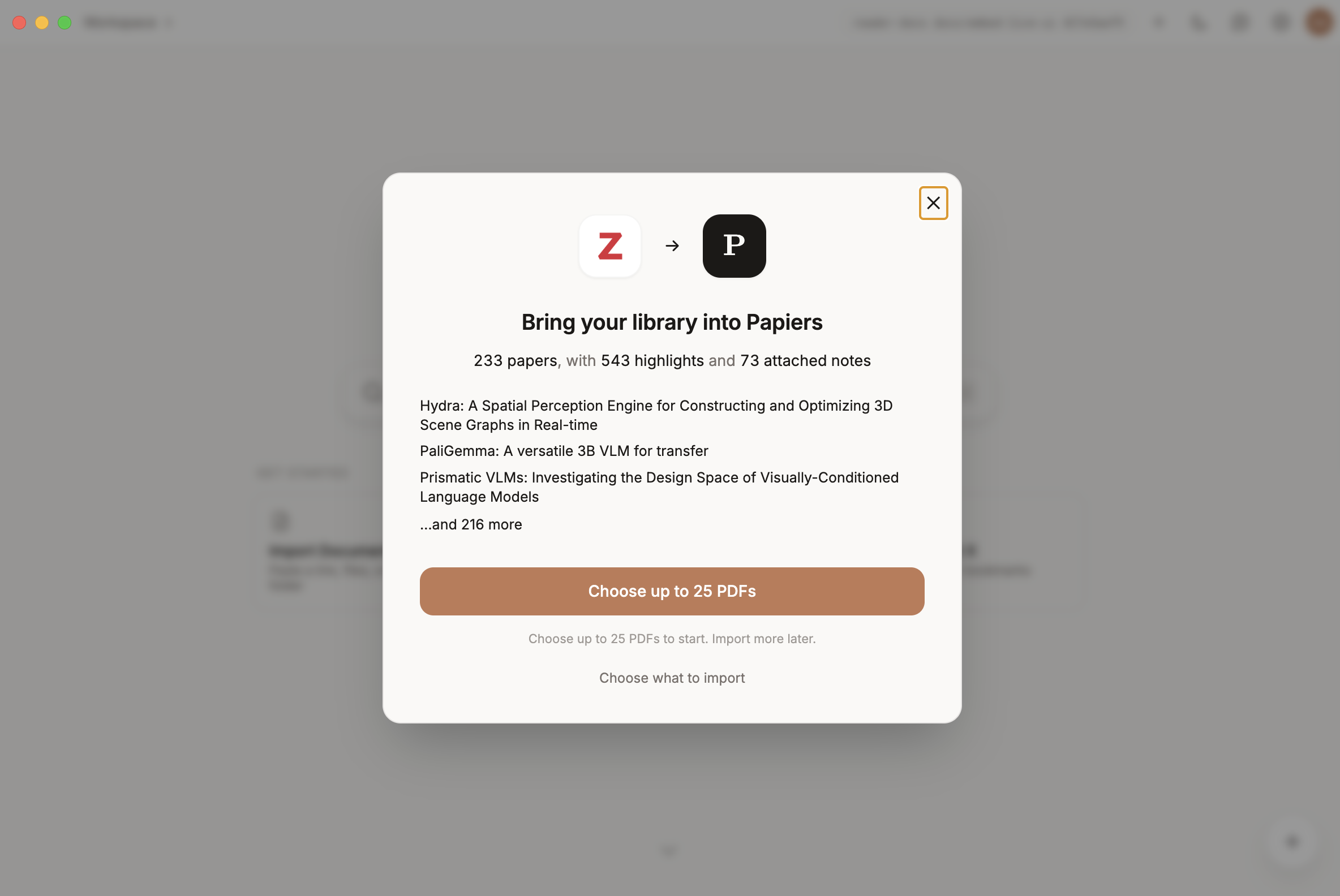
What comes with your papers
Papiers imports the PDF along with its title, authors, year, venue, and DOI.
Highlights made in Zotero’s PDF reader come with their colors and comments. Notes attached to the paper come over too.
Papiers can only import PDF attachments that are available on this computer. Items without a local PDF are left in Zotero.
Import your notes
Zotero notes can come into Papiers along with your papers, including standalone notes that aren’t attached to a document.
Once imported, they can be searched and used by Papiers alongside the rest of your library.
Import again later
The Zotero import is not a live sync.
Run it again whenever you want to bring in papers you’ve added since the last import. Papiers skips papers that are already in your library, so you can pick up where you left off without importing everything twice.